
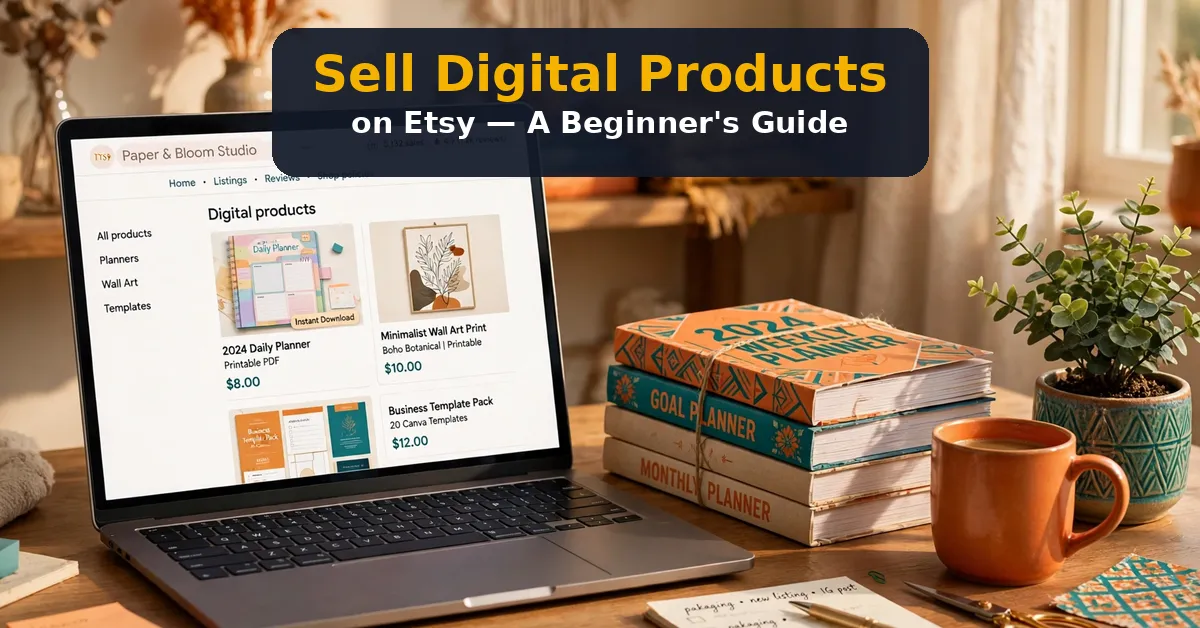
Selling digital products on Etsy is one of the simplest online businesses to start. You create once, list the product, and sell it again and again. No stock, no shipping, and no packing boxes.
Bundles make it even better. A bundle of related products feels like a deal, and it raises your average order value. This guide shows how to sell digital products on Etsy with bundles, step by step. It also features one tool worth a look: Bundlebee AI.
What Does It Mean to Sell Digital Products on Etsy?
Selling digital products on Etsy means listing downloadable files that buyers print or use themselves. Common examples are planners, templates, wall art, and worksheets. Buyers pay, download instantly, and you never ship anything physical.
Etsy brings buyer traffic, handles payments, and gives your shop a trusted storefront. Your job is to create good products, write clear listings, and price them well. Bundles group several related products into one listing at one price.
Why Bundles Sell Better Than Single Products
A bundle feels like more value for the money. Five items for $29 looks like a deal next to one item for $9. Buyers spend more per order, and you make more per sale.
Bundles also solve choice overload. Instead of picking one planner from twenty listings, a buyer grabs the full set. Fewer decisions mean faster checkouts and fewer abandoned carts.
7 Steps to Sell Digital Products on Etsy
Follow these steps in order. Each one builds on the last, and none of them needs design skills to start.
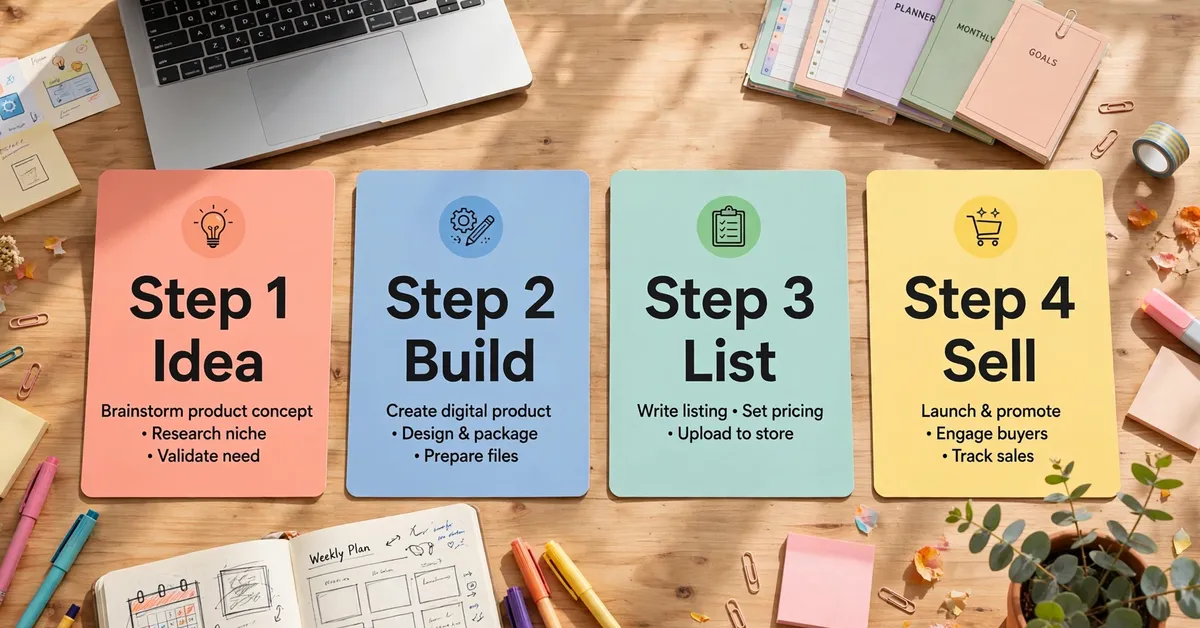
Step 1: Pick a Niche
Pick one niche you can serve well, such as teachers, brides, or fitness fans. A narrow niche beats a broad shop, since buyers trust specialists. Check what already sells in that niche before you create anything.
Step 2: Create Your First Products
Create four to six related products in your niche. Keep quality high and style consistent across the set. Buyers judge a bundle by its weakest item, so no filler is allowed.
Step 3: Bundle Them Together
Group the related products into one bundle with one clear theme. Name it plainly, so buyers know what they get. A bundle of six planners beats six scattered listings every time.
Step 4: Price It Right
Price the bundle below the sum of its parts, but high enough to feel premium. A $29 anchor works well for mid-size bundles. Test prices over time, and let sales data guide you.
Step 5: Write a Clear Listing
List every item in the bundle by name. State the file formats, the page counts, and how buyers use them. Clear listings cut refund requests and build trust.
Step 6: Show It Well
Show mockups of the bundle in use, not just file icons. A planner shown on a desk sells better than a plain PDF icon. Use all ten image slots Etsy gives you.
Step 7: Promote and Repeat
Share the listing where your buyers gather, such as Pinterest or niche groups. Then build the next bundle. Shops grow bundle by bundle, not listing by listing.
Pricing Your Etsy Bundles
Price anchors matter more than discounts. If six items cost $9 each alone, a $29 bundle saves the buyer $25. That saving is the sales pitch, so show it in the listing.
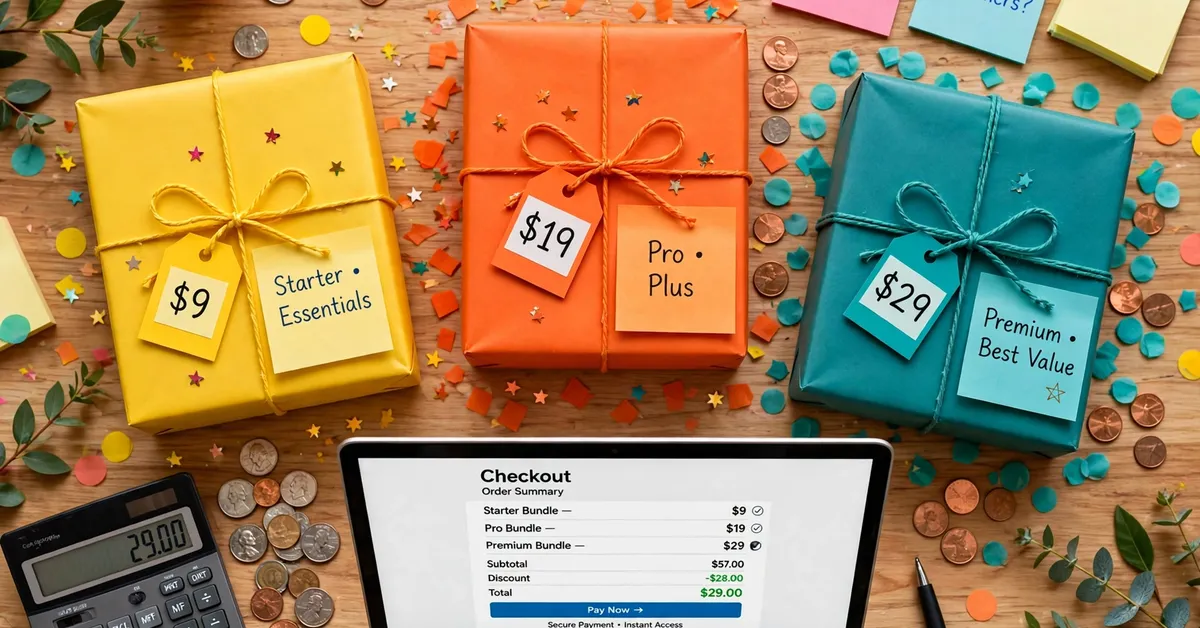
Start near $29 for a mid-size bundle, then test up and down. Small bundles of three items can sit lower. Large bundles of ten or more items can sit higher. Let real sales tell you the right price.
Featured Tool: Bundlebee AI
Bundlebee AI builds a digital bundle in about 60 seconds. It then publishes that bundle to Etsy, Payhip, Gumroad, and Shopify. It also includes a built-in store for direct sales.
The front end costs $17 one-time during launch, which opens on October 27, 2026. After launch, it becomes a monthly subscription, with the monthly price not disclosed. Our full review rates it 3.8 out of 5, and you can read it here: Bundlebee AI Review.
The tool suits sellers who want fast bundles across several platforms. It does not replace good products or real traffic. Bundles still need a solid idea and buyers who want it.
Check Bundlebee AI ($17 Launch Price)
Pros and Cons
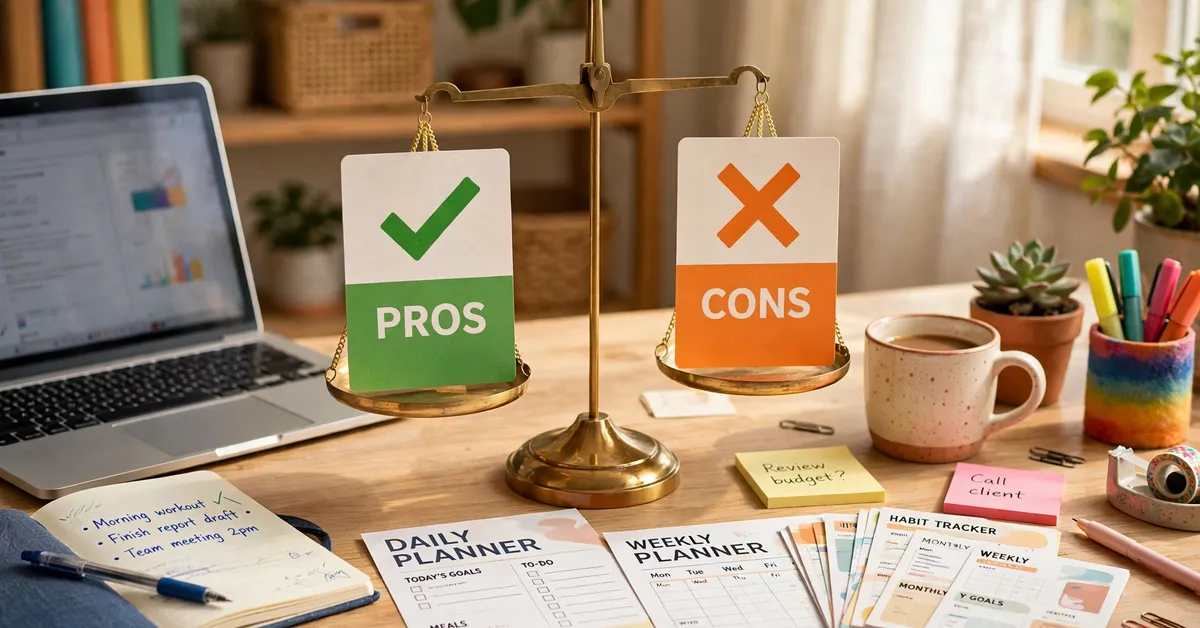
The Pros
- Builds a $29 digital bundle in about 60 seconds, per the vendor claim.
- Publishes to Etsy, Payhip, Gumroad, and Shopify from one build.
- Includes a built-in store, so sellers without a shop can still sell.
- Front-end price of $17 one-time is low for a bundle tool during launch.
The Cons
- Unproven at launch scale, with no user track record yet.
- Nine upgrades push the full funnel to about $1,250.
- Monthly price after launch is not disclosed, so long-term cost is unknown.
- Bundle quality still depends on your idea and your products, not the tool alone.
Frequently Asked Questions
Do I need design skills to sell on Etsy?
No. Simple, clean designs sell well in most digital niches. Templates and bundle tools cover the design work. What matters more is a clear niche and honest listings.
How many products should a bundle have?
Four to six items work well for most bundles. Fewer feels thin, while more feels bloated. Keep every item on theme, and cut anything that does not fit.
Is Bundlebee AI legit?
Yes, it is a real product with a named vendor and a 30-day guarantee. Our full review rates it 3.8 out of 5 and lists its limits with care. Read it here: Bundlebee AI Review.
My Bonus for Readers
When you pick up Bundlebee AI through my link, I am adding one original bonus I created to complement this guide — not a recycled freebie:
Bonus 1: Etsy Bundle Listing Worksheet — a one-page worksheet for your bundle: theme, items, price anchor, platforms, and listing checklist.
⬇️ Download Bonus 1: Etsy Bundle Listing Worksheet (PDF)
Click the download button above to get the bonus instantly — no forms, no waiting.
Final Thoughts
Selling digital products on Etsy works best with bundles. Pick a niche, build four to six good products, bundle them at a fair price, and list with care. Then repeat with the next bundle.
If you want speed, Bundlebee AI is worth a look at its $17 launch price. Read the full review first, and skip the upgrades until a real need appears.
✍️ My Personal Verdict
From my research, Etsy bundle selling rewards sellers who keep it simple: one niche, one theme, one fair price. The featured tool earns its middle score in my view because it speeds up the boring part — assembly and publishing — while leaving the hard part, a good idea and real buyers, to you. If bundles fit your shop, the $17 launch price is a fair test. If you have no products yet, build those first, since no tool can sell an empty bundle.
Affiliate Disclosure
This guide contains affiliate links. If you buy through them, I may earn a commission at no extra cost to you. This helps support Pickzox and keeps our reviews free. My views stay honest, and I only feature products I have researched with care.