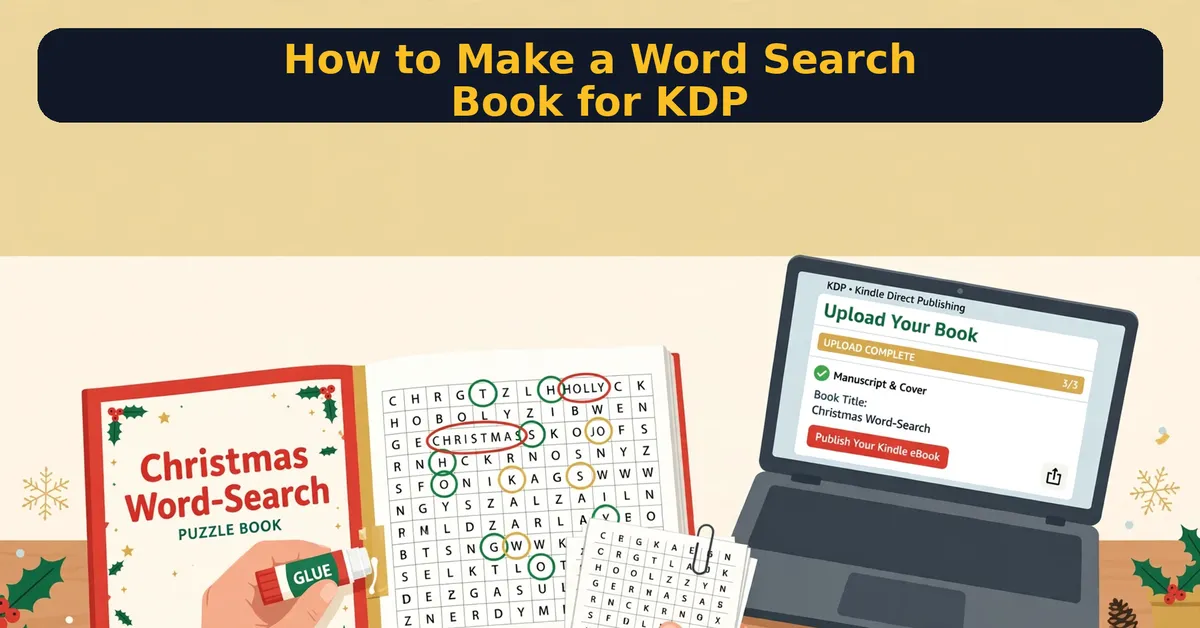
Want to publish a word search book on Amazon KDP? First, know this: the process is simpler than most people think. In short, you plan a theme, build your word lists, generate the puzzles, add answer keys, assemble the interior, convert it to PDF, design a cover, and upload.
So here is the full step-by-step method I recommend, including the exact PDF settings KDP wants. I will also show you where a $17 tool called Holiday Puzzle Starter fits in — I reviewed it separately here.
Quick Answer
The short version: To make a word search book for KDP, pick one theme, create 50-100 puzzles with verified answer keys, assemble them into a single interior file, export to PDF at 100 percent scale with no headers, add a finished cover, and upload through KDP’s paperback flow. Most beginners finish their first book in a weekend.
Fastest path: use a dedicated puzzle-book tool for the puzzles and answer keys, then handle the PDF export and cover yourself.
See the $17 Word-Search Book Tool
What You Need Before You Start
Making a word search book for KDP requires four things: a theme, a word list, a way to generate puzzles with answer keys, and a way to produce a print-ready PDF. You do not need design skills. You do not need an audience. A free KDP account is enough to publish.
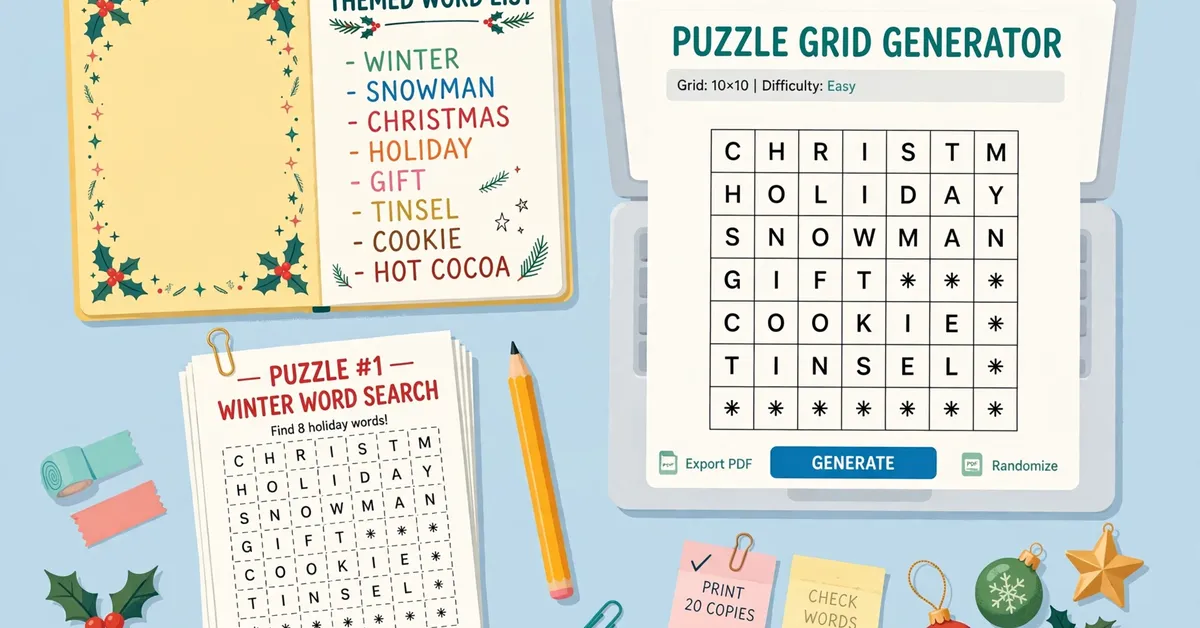
Still, pick one clear theme per book. Christmas, animals, travel, and large-print editions all sell. A focused theme beats a random mix every time, because buyers search for themes.
Step 1: Plan Your Theme and Size
Next, decide your trim size. The safe default is 8.5 x 11 inches. It gives big, readable grids and KDP handles it without fuss. Next, decide your puzzle count. Aim for 50 to 100 puzzles. Fewer than 30 feels thin for the price. More than 120 gets hard to quality-check by hand.
Finally, write down your grid sizes. Mix 12×12 and 15×15 grids for variety. Large-print books should stick to smaller grids with bigger type, around 18pt.
Step 2: Build Your Word Lists
For example, every puzzle needs its own word list of 10 to 20 words. All words in one puzzle should share the theme. For a 75-puzzle book, you need roughly 1,000 words total, so build a master bank first and draw from it.
This is where most beginners stall. Writing 1,000 themed words by hand takes hours. A ready-made bank helps a lot. My free Christmas Word-Search Mega Word Bank gives you 500 categorized words to start from — grab it in my Holiday Puzzle Starter review.
Keep words between 3 and 12 letters. Shorter words fit small grids. Longer words add challenge for bigger ones.
Step 3: Generate the Puzzles
However, you have two options here: manual or software. Manual generation in a spreadsheet works for five puzzles. It does not scale to fifty. Software is the practical choice.
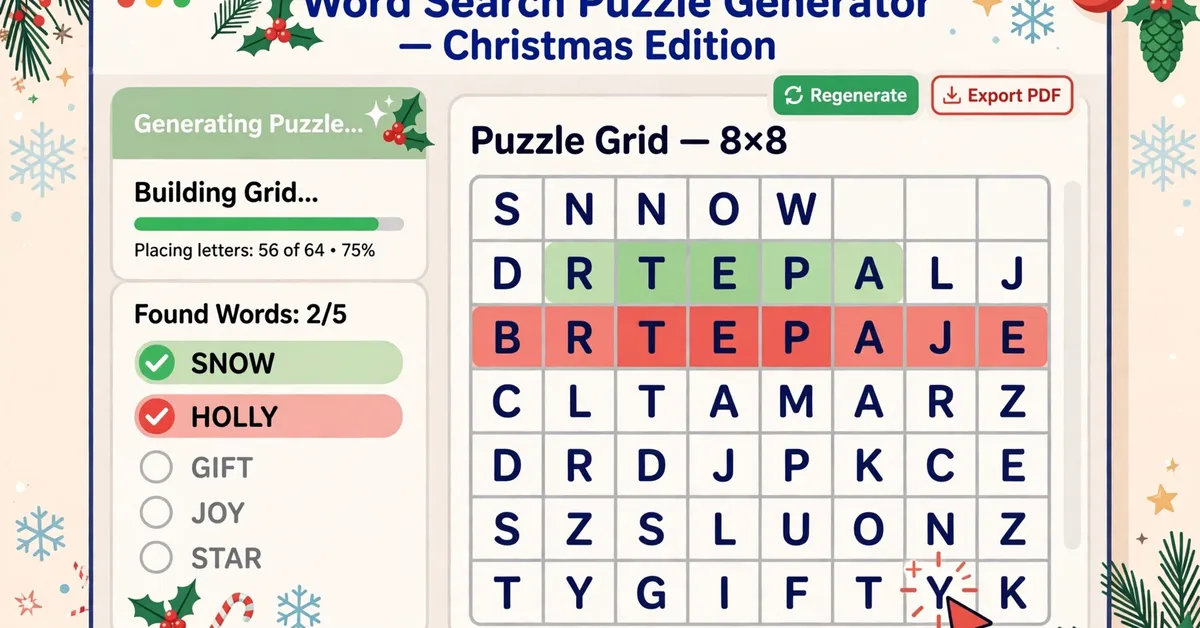
In particular, a good generator lets you set grid size, word directions, and overlap rules. It should also warn you when words cannot fit instead of silently dropping them. Holiday Puzzle Starter does this with a seeded engine, and it runs offline in your browser for a one-time $17. Free online generators work for single puzzles but do not assemble books.
Step 4: Create Verified Answer Keys
This step is non-negotiable. Every puzzle needs a matching answer key, and every key must be correct. Wrong answer keys are the fastest way to earn one-star reviews on a puzzle book.
Still, do not trust your eyes alone on 75 puzzles. Use software that records each word’s position with proof, then spot-check at least five keys by hand. In contrast to manual checking, computed keys with recorded coordinates catch the errors your eyes miss.
Step 5: Assemble the Interior
Overall, a finished book interior has five parts: front matter (title page, copyright), an instructions page, the numbered puzzles, the numbered solution section, and back matter. Keep puzzle numbering and solution numbering in sync. One mismatch confuses every reader.
Then assemble everything into a single file before export. If your tool outputs HTML, preview the whole manuscript in your browser first and flip through every page.
Step 6: Export a Print-Ready PDF
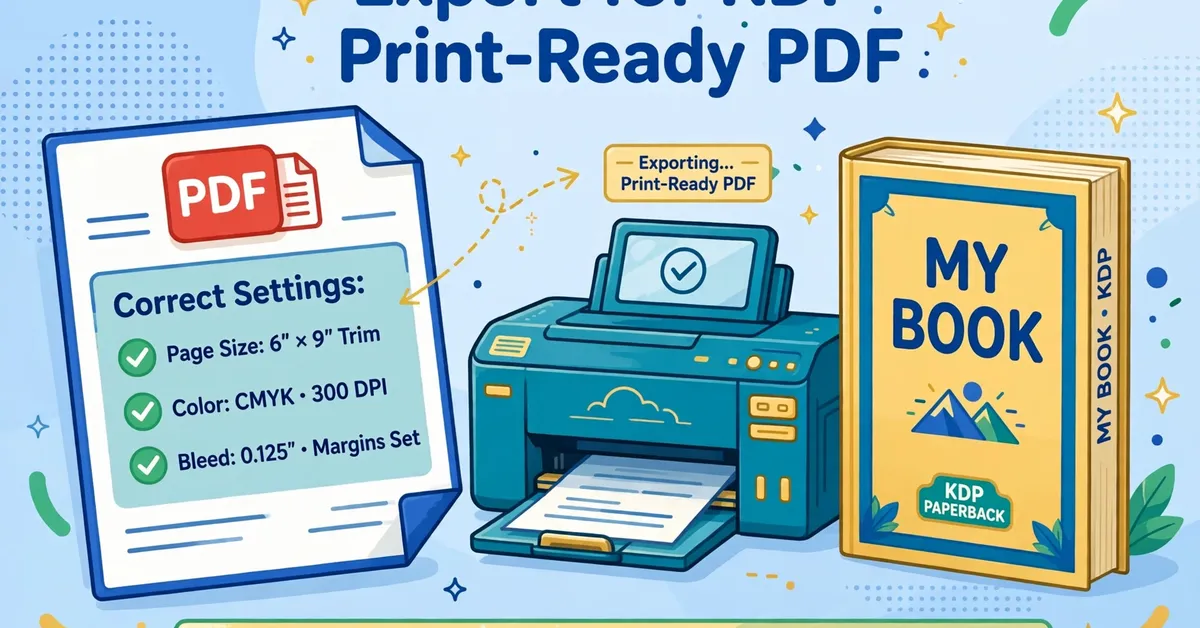
KDP wants a PDF, and the settings matter. Open your file in Chrome or Edge and print to PDF with these exact settings: paper size matching your trim, margins none, scale 100 percent, headers and footers off, background graphics on. Next, open the PDF and check that no grid is cut off or split across pages.
Never use “fit to page” scaling. It shrinks your grids unpredictably and breaks the print dimensions KDP expects.
Step 7: Design Your Cover
Meanwhile, your cover needs a front, a spine, and a back in one file. Use KDP’s cover template calculator and enter your exact page count — the spine width depends on it. Keep all text inside the safe zone and leave the barcode area empty.
You can design in Canva or any graphics tool. Make the title big and readable at thumbnail size, because most buyers first see your book as a small image in search results.
Step 8: Upload to KDP
Next, create a new paperback title in KDP. Upload your interior PDF and cover PDF, then run the online Previewer and check every page again. Order a physical proof copy before you approve — always. Set your price, choose two categories, and fill all seven keyword slots with real researched phrases.
In the end, publishing itself is free. KDP prints on demand and takes its cut from each sale.
Get the $17 Puzzle Book Builder
Common Mistakes to Avoid
- Skipping answer-key verification. Spot-check by hand even when software generates the keys.
- Mixing themes randomly. One theme per book sells better and reviews better.
- Using “fit to page” in the PDF export. It breaks your trim size.
- Forgetting the proof copy. Screen previews hide print problems.
- Guessing at keywords. Research real search phrases for your seven KDP slots.
- Publishing fewer than 30 puzzles. Thin books get thin reviews.
Frequently Asked Questions
How long does it take to make a word search book?
Most beginners finish a 50-puzzle book in one weekend with software. Manual methods take several times longer, mostly in answer-key checking.
Do I need special software?
You need something that generates grids and verified answer keys at scale. A dedicated tool like Holiday Puzzle Starter ($17 one-time) handles this. Free generators work for testing but not for full books.
What size should my book be?
8.5 x 11 inches is the safe default for standard books. Large-print editions work well at the same size with 18pt type and smaller grids.
How many puzzles should I include?
Aim for 50 to 100. Under 30 feels thin for the price buyers pay. Over 120 makes hand-checking impractical.
Is it free to publish on KDP?
Yes. Uploading and publishing cost nothing. KDP prints on demand and deducts printing costs plus its share from each sale.
Final Word
To summarize, making a word search book for KDP is a straightforward craft. Theme it well, verify every answer key, export the PDF with the right settings, and always order a proof copy. Do those four things and your book will stand above most of the rushed competition.
If you want the puzzle-building steps handled by software, read my full Holiday Puzzle Starter review — it covers the $17 tool honestly, limits included, plus two free bonuses I made for buyers.
Start Your Word Search Book Today
Affiliate Disclosure
This post contains affiliate links. If you buy through them, I may earn a commission at no extra cost to you. My guides stay honest: real methods, real limits, no hype.