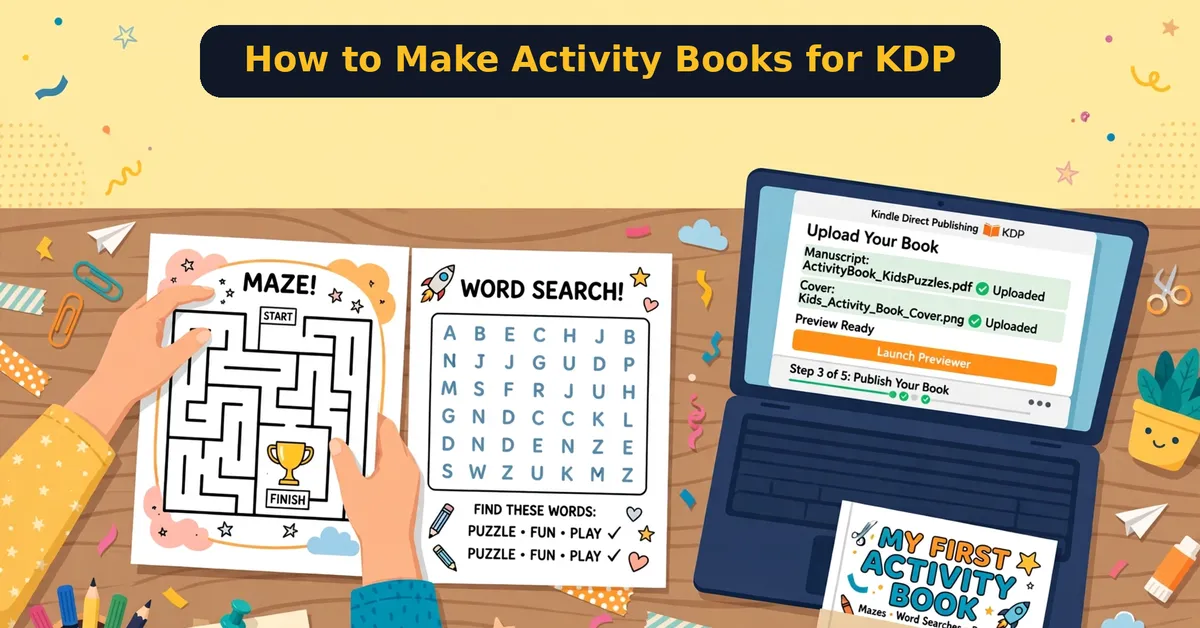
Kids’ activity books are one of KDP’s most forgiving niches for beginners. No novels to write, no illustrations to commission — just puzzles, mazes, and colouring pages. First, though, most beginners fail on the same three things: wrong answers, bad margins, and zero discoverability.
So here is my complete method for making activity books for KDP: choosing puzzles, getting answers right, formatting the interior, designing the cover, and uploading. I will also show you where a $17 tool called Kids Activity Book Engine fits — I reviewed it separately here.
Quick Answer
The short version: To make an activity book for KDP, pick one puzzle type and age group, generate puzzles with verified-correct answers, format a black-and-white 8.5×11 interior with proper margins, design a full-color cover, and upload through KDP’s paperback flow. One focused weekend produces your first book.
Biggest beginner mistake: publishing puzzles with wrong answers. One angry review about a broken maze kills a book.
See the $17 Activity Book Builder
What You Need
Making an activity book takes four things: puzzle content with correct answers, a formatted interior PDF, a cover, and a KDP account. You do not need drawing skills or expensive software.
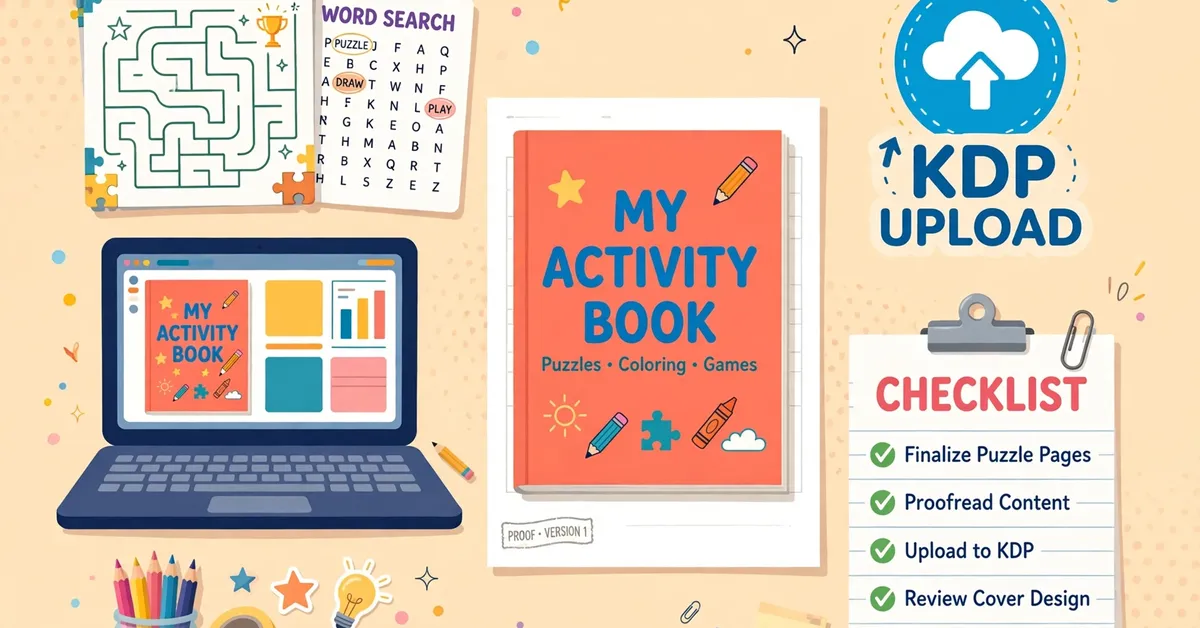
Still, pick ONE puzzle type and ONE age group for your first book. A focused “mazes for ages 6–8” book beats a scattered “puzzles for kids” book every time.
Step 1: Choose Puzzles and Age Group
Next, lock your niche: mazes, word searches, word scrambles, odd-one-out, colouring pages, or dot-to-dot. Then pick an age band. Difficulty must match the age — too hard frustrates, too easy bores.
Check Amazon first. Search your puzzle type plus age and count the competing books. Under 1,000 results with weak covers means room to enter.
Step 2: Get the Answers Right
However, this is where most DIY books die. Every maze needs a verified solution path. Every word search word must actually appear in the grid. In addition, every scramble must unscramble to a real word.
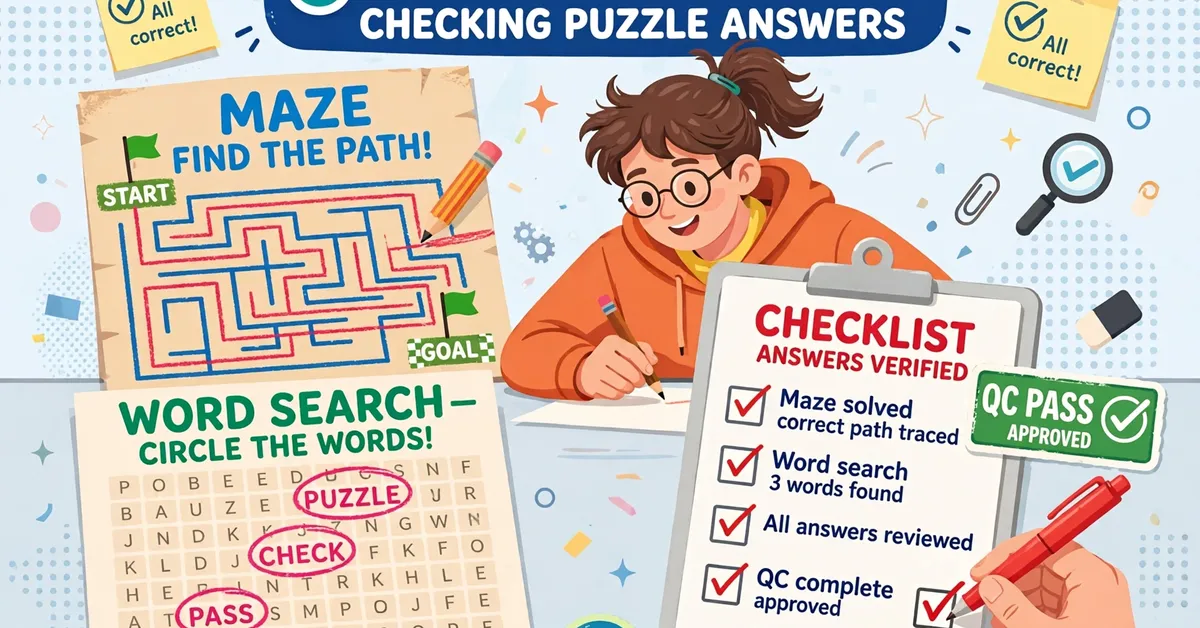
Do not trust AI-drawn puzzles without checking each one by hand. Alternatively, use a computed puzzle generator that guarantees correctness by construction — that is exactly what Kids Activity Book Engine does, and it is the main reason I reviewed it.
Step 3: Format the Interior
Then build your interior PDF: 8.5×11 inches, black-and-white, with safe margins (at least 0.375″ inside, 0.25″ outside). Keep pages clean — one puzzle per page with the page number and a small footer.
Add an answer key section at the back. Parents expect it, and its absence draws complaints. Number every puzzle so answers are easy to find.
Step 4: Design the Cover
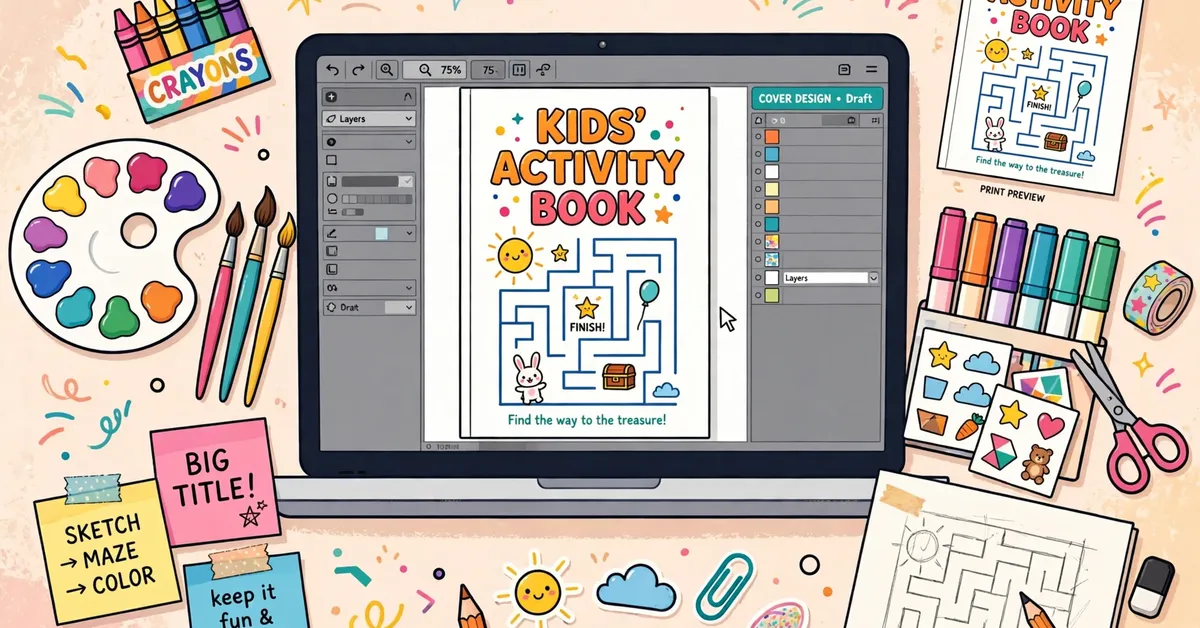
Your cover sells the book. Full color, big readable title, age range visible, and a sample puzzle peeking through. Use KDP’s cover calculator for the exact spine width once you know your page count.
Do not design the cover before finalizing page count — the spine width depends on it, and a wrong spine means a rejected file.
Step 5: Upload to KDP
Upload through KDP’s paperback flow: interior PDF, cover PDF, then metadata. Write your title with the age and puzzle type in it (“Mazes for Kids Ages 6–8”). Fill all seven keyword slots with specific phrases, not single words.
Order a proof copy before approving. Screen previews miss margin and color issues that a physical copy reveals.
Common Mistakes to Avoid
- Publishing puzzles with wrong or missing answers.
- Skipping the answer key section.
- Wrong spine width from guessing page count.
- Generic keywords like “kids book” instead of specific phrases.
- Approving without ordering a physical proof copy.
Frequently Asked Questions
How many pages should an activity book have?
Between 50 and 120 pages works well. Under 50 feels thin for the price; over 120 raises print costs and your workload.
Do I need an ISBN?
No. In other words, KDP assigns a free ISBN to paperbacks automatically. You only need your own if you publish elsewhere too.
How much can I earn?
Honestly, most activity books earn little. A $6.99 book pays roughly $2–$3 royalty. Volume and series matter more than any single book.
Can I use AI-generated puzzles?
You can, but verify every answer by hand. To be clear, AI-drawn mazes and word searches are frequently wrong — that is the exact problem computed generators solve.
Final Word
To summarize, activity books for KDP come down to correct answers, clean formatting, and a cover that sells. Get those three right and you have a real product, not a rejection letter.
If you want the puzzle-generation side handled by software that computes correct answers, read my full Kids Activity Book Engine review — it covers the $17 tool honestly, including the monthly cap, plus two free bonuses I made for buyers.
Get the $17 Activity Book Builder
Start Your Activity Book Today
Affiliate Disclosure
Finally, this post contains affiliate links. If you buy through them, I may earn a commission at no extra cost to you. My guides stay honest: real methods, real limits, no hype.