
Quick Verdict
Rating: 3.7/5
The short version: Loreever.AI Snap Toolkit is a compact Chrome extension (sideloaded). It adds three workflow helpers to Snapchat Web. ChatFlip cycles through chats, Auto Sender handles timed message and image sending, and Accept All manages friend requests. It does what it describes, and the sales page is refreshingly upfront about the limits. The honest catches are significant, though. It is an independent third-party tool with no Snapchat affiliation. Automated messaging can violate Snapchat’s terms, so account risk is real. It only works on desktop Chrome. And Snapchat updates can break it at any time. This is a niche tool for specific legit workflows — not something to buy casually.
Best for: Community managers, creators, or small teams. You handle high chat volume on Snapchat Web from a desktop. You want workflow helpers. And you understand and accept the platform-risk trade-off.
What Is Loreever.AI Snap Toolkit?
Loreever Snap Toolkit is an AI snapshot and content tool by Loreever.AI, sold through WarriorPlus checkout. It helps creators quickly generate marketing visuals and content snippets, aimed at busy affiliates and small businesses.

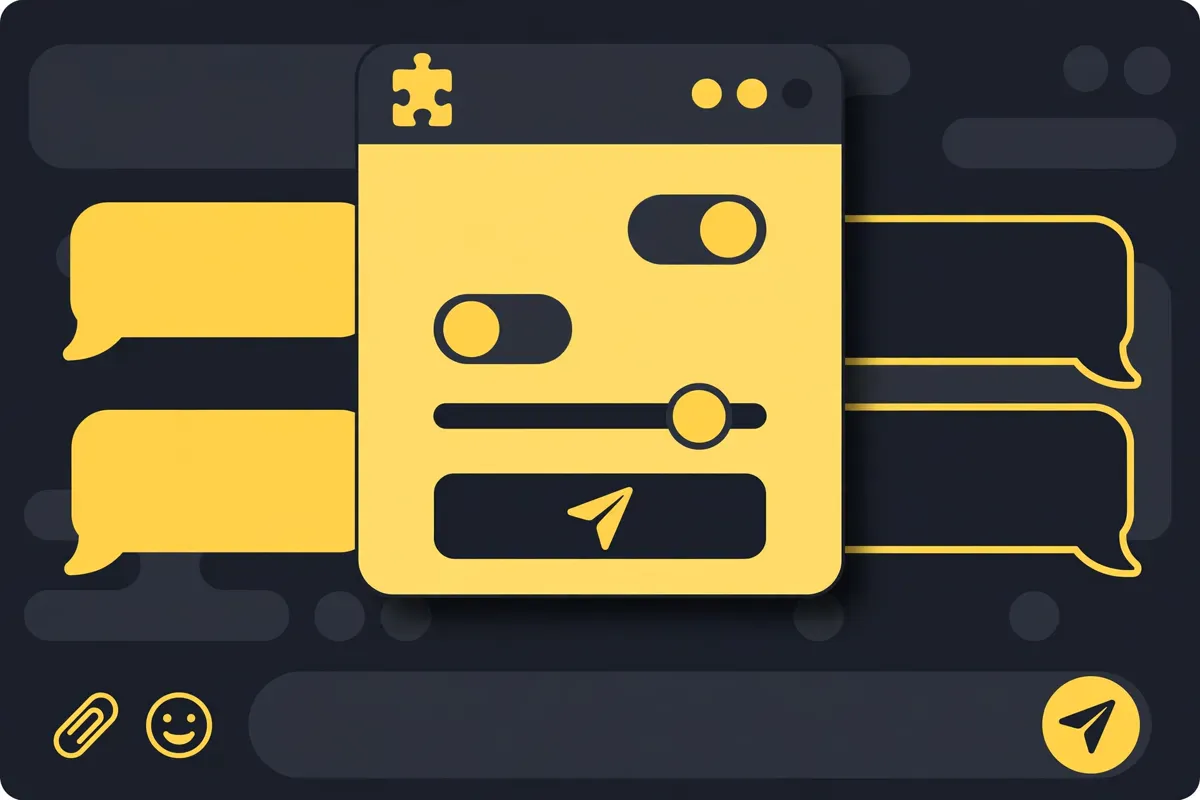
Loreever.AI Snap Toolkit is a small Chrome extension built for Snapchat Web (the desktop browser version of Snapchat). It puts three task helpers into one compact interface:
- ChatFlip — a chat navigation helper. Select the chat list and set a time interval. It then cycles through your chats. You can work through a queue of chats without clicking each one manually.
- Auto Sender — message and image workflow controls. Prepare text, optionally attach an image, set a send interval, and start/stop the sending process. It acts on the open chat, so the panel stresses checking the recipient first.
- Accept All — a friend-request helper with progress feedback and a stop control, for working through visible friend requests.
The package is sideloaded: you download a ZIP, extract it, open chrome://extensions, enable Developer mode, and “Load unpacked.” You also get an English setup guide, quick-start steps, and help with common problems. Requirements are specific: desktop Google Chrome, internet access, and a signed-in Snapchat Web session. Mobile browsers are not tested or supported.
The vendor states two things clearly, and I want to repeat them in spirit. First: this is an independent third-party extension, not an official Snapchat product. Second: no account growth, message delivery, or account-safety outcome is promised.
Who Created Loreever.AI Snap Toolkit?
The vendor is Loreever.AI, with support at support@loreever.ai, selling through WarriorPlus. Before writing this review, I searched MunchEye and JVZoo for a public launch history. I found no long, verifiable track record under this name. Treat this as a newer or low-profile vendor.
What I can say from the sales page itself:
- Responsible-use warnings are prominent. The page warns that automated messaging and bulk actions may be restricted by Snapchat’s terms. It says not to use the extension for spam or harassment. It also notes that future updates could break it. Vendors selling gray-area tools do not always do this — the candor is a point in its favor.
- No inflated promises. There are no income claims, no “10x your followers” language, no fake guarantees. The page describes workflow helpers and their limits.
- Clear support contact. A support email is listed, which is the minimum you should expect.
The honest bottom line on the vendor: thin public history, but transparent presentation. This product touches another platform’s terms of service. So I weigh the vendor’s honesty about risks more heavily than usual. And it checks out.
Loreever.AI Snap Toolkit Features — In Detail
ChatFlip — Chat Navigation Helper
Select your chat list and configure a cycling interval. The helper moves through chats in sequence so you can triage a busy inbox from one spot. Sensible use case: a creator or community manager working through dozens of unread chats each morning. Limitation: it navigates; it does not read or prioritize for you.
Auto Sender — Message and Image Controls
Compose text, add an image, set an interval, and run the send loop on the open chat, with start/stop controls. This is the most powerful — and the most sensitive — of the three tools. Legit uses exist. You can send the same update to many individual chats you already have — for example, customer support follow-ups or community updates. But this is also the feature most likely to trip platform automation rules. The vendor’s own page tells you to check the recipient and comply with platform rules. Never use it for unsolicited or repetitive spam — that is both against Snapchat’s terms and a fast way to lose an account.
Accept All — Friend-Request Helper
Works through visible friend requests with progress feedback and a stop control. Useful if you get waves of requests — after a viral post, for example. You can process them without clicking each one. The page notes: use only where platform rules allow it.
Installation and Documentation
The sideloaded install (Developer mode → Load unpacked) is straightforward for anyone comfortable with a ZIP file. The included English guide covers setup plus troubleshooting. The trade-off of sideloading: no Chrome Web Store listing. That means no automatic updates and no store review. You are trusting the vendor’s files directly.
Loreever.AI Snap Toolkit Pricing & Funnel Explained

An important honesty note: the sales page does not display the price. Purchase happens through the WarriorPlus checkout. The page itself tells you to “review the refund terms shown on the WarriorPlus checkout page before purchasing.” I will not invent a price here. Click through to the checkout to see the current price and terms before you decide.
Front End: Loreever.AI Snap Toolkit
The extension files (ZIP), the English setup guide, quick-start steps, and problem-solving tips. One purchase, digital download. Check the WarriorPlus checkout for the live price.
Refunds and Support
The sales page defers to the WarriorPlus checkout for refund terms. Read them carefully before buying. They are set at checkout, not on the sales page. Support is via support@loreever.ai.
Full-Funnel Cost Summary
No OTO chain is described on the sales page. Your cost is the front-end price shown at WarriorPlus checkout. Check it there, along with the refund terms, before buying.
Check the current price on the official checkout
Pros and Cons

The Pros
- Solves a real workflow pain. Triaging many Snapchat Web chats from a desktop is really tedious; ChatFlip and Accept All address that directly.
- Honest sales page. Clear statements on third-party status, no guaranteed outcomes, platform-rule warnings, and compatibility limits. Rare candor for this category.
- Simple, focused toolset. Three helpers, one interface — no bloat, no 47-bonus stack obscuring a thin product.
- Documentation included. Installation guide plus quick-start and troubleshooting instructions for the sideload process.
The Cons
- Real account risk. Automated messaging and bulk actions may violate Snapchat’s terms. Snapchat can and does restrict accounts for automation. This is the single biggest consideration.
- Not an official product. No affiliation with Snap Inc.; no official support channel if Snapchat changes break things.
- May stop working. Snapchat Web updates can break the extension at any time. The vendor does not promise it will keep working.
- Desktop Chrome only. No mobile support, which is where most Snapchat usage happens.
- Sideloaded install. No Chrome Web Store review or auto-updates; you trust the vendor’s files directly.
- Thin vendor track record. No long public launch history found for Loreever.AI.
- Price not on the sales page. You must click through to checkout to see what you will pay.
Who Should Buy Loreever.AI Snap Toolkit?
Best For
- Community managers and creators who handle high chat volume on Snapchat Web from a desktop and want triage helpers.
- Small teams doing legit outreach — e.g. sending updates to existing contacts or processing inbound friend requests after a viral moment.
- Technically comfortable users who are fine with sideloading a Chrome extension and understand the trade-offs.
Not For
- Anyone planning spam or bulk unsolicited messaging. Against Snapchat’s terms, harmful to recipients, and likely to get the account restricted. Do not buy this for that purpose.
- Mobile-first users. Mobile browsers are not supported at all.
- Anyone who cannot afford account risk. If your Snapchat account is business-critical, automation tools are a gamble — the vendor says outcomes are not guaranteed.
- Beginners expecting plug-and-play. Sideloading, Developer mode, and manual setup are needed.
Loreever.AI Snap Toolkit vs Alternatives
vs Manual Chat Management
Doing everything by hand is free, has zero account risk from tooling, and works on mobile. It is also slow when volume is high. The toolkit only makes sense when your chat volume really justifies the risk and the desktop-only constraint.
vs Official Snapchat Features
Snapchat’s own interface is the safe, supported path — but it offers no bulk helpers at all. That gap is exactly what this product fills. The trade-off is support and safety: official features never get your account flagged; third-party automation might.
vs Other Automation Tools
Generic social automation suites exist, but most are cloud-based subscriptions with their own risk profiles and higher prices. This toolkit’s advantages are focus and a one-time purchase. It is built specifically for Snapchat Web workflows. Just check the checkout price is modest first.
My Exclusive Loreever.AI Snap Toolkit Bonuses
When you pick up Loreever.AI Snap Toolkit through my link, I am adding two original bonuses I created to complement it. They focus on safe, legit use:
Bonus 1: Snapchat Automation Safety Checklist. This practical checklist covers what Snapchat’s terms restrict. It includes warm-up and pacing principles, red-flag behaviors to avoid, and how to keep a human in the loop. You will also learn what to do if you hit a restriction. It is designed to keep your account as safe as possible while using any automation helper.
⬇️ Download Bonus 1: Automation Safety Checklist (PDF)
Bonus 2: Legit Bulk Messaging Template Pack. You get 20 copy-paste message templates for legit high-volume use cases. They cover customer support follow-ups, community updates, event reminders, and FAQ responses. Each one is written to sound human, with personalization slots so nothing reads as spam.
⬇️ Download Bonus 2: Messaging Templates (PDF)
Click the download buttons above to get both bonuses instantly — no forms, no waiting.
Frequently Asked Questions
Is Loreever.AI Snap Toolkit a scam or legit?
It is a legit software product. You get real extension files, a clear description of what each tool does, honest warnings about platform risk, and a listed support contact. It is not a scam — but it is also not risk-free. The main risk is not the vendor; it is Snapchat’s platform rules regarding automation, which the vendor discloses.
Can it get my Snapchat account banned?
It can contribute to restrictions. Automated messaging and bulk actions may violate Snapchat’s terms, and Snapchat may restrict accounts for automation. The vendor guarantees no account-safety outcome. Use the safety principles in my bonus checklist. Keep volumes human. And never automate on an account you cannot afford to lose.
Does it work on mobile?
No. Desktop Google Chrome only — mobile browsers are not tested or supported.
Is this an official Snapchat product?
No. It is an independent third-party extension, not affiliated with, endorsed by, or sponsored by Snap Inc.
Will it always work?
No. Snapchat Web updates can break third-party extensions, and the vendor explicitly does not guarantee ongoing compatibility. Updates may be required.
What is the refund policy?
Refund terms are shown on the WarriorPlus checkout page — the sales page defers to it. Read those terms before buying.
Final Verdict: Is Loreever.AI Snap Toolkit Worth It?
Rating: 3.7/5 — Worth it only for the right user, with eyes open.
This is a well-described, honestly-marketed niche tool. The three helpers do address real desktop Snapchat Web workflow pain. The sales page discloses the risks most vendors would bury. And there are no hype claims. That honesty earns it a solid rating.
But the caveats are structural, not minor. They include third-party status, platform-rule risk, and no guaranteed compatibility. It is also desktop-only, sideloaded, and from a vendor with thin history. The price is only visible at checkout. None of these are dealbreakers for the right user — a community manager who understands the trade-off. But together, they mean this is not a casual purchase.
Buy it if: you handle real chat volume on Snapchat Web from a desktop. You will use it for legit workflows only. And you accept the platform-risk trade-off.
Skip it if: your Snapchat account is business-critical and cannot take risk. This is also not for you if you are mobile-first. Or if you want spam automation (do not). Or if sideloaded extensions make you uncomfortable.
✍️ My Personal Verdict
Reviewing this one required balancing two truths. The product is honestly presented and solves a real problem. But it operates in a space where the platform — not the vendor — holds the real risk. I respect that the sales page leads with warnings instead of promises. That is rarer than it should be. My take: this was built for a specific person. If that is you — a desktop-heavy Snapchat Web user drowning in chats — it is a reasonable, low-bloat tool. Check the checkout price, read the refund terms, and follow safety practices. If you are buying it hoping to automate your way to growth, you are buying the wrong thing. The vendor more or less tells you so.
Get Loreever.AI Snap Toolkit + my 2 exclusive bonuses
Affiliate Disclosure
This review contains affiliate links. If you purchase Loreever.AI Snap Toolkit through links on this page, I may earn a commission at no extra cost to you. I only recommend products I have researched and believe offer genuine value to the right audience. My opinions are my own, based on analysis of the vendor’s sales materials and public track record. Always do your own due diligence before buying any product.