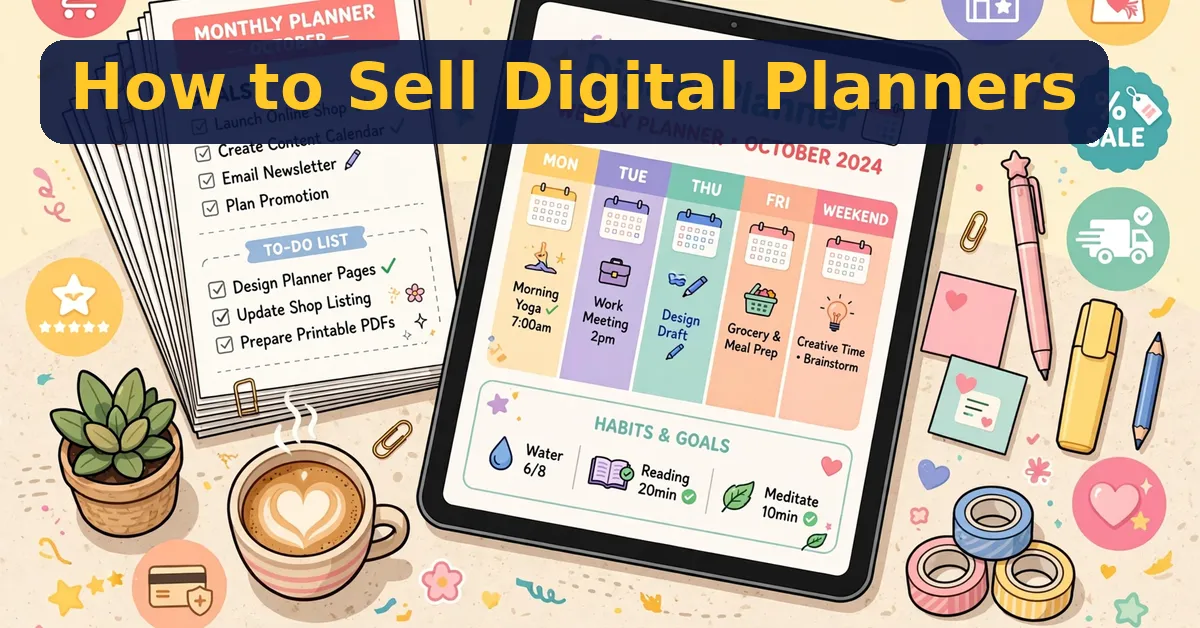
Digital planners sell well because buyers want planning systems, not blank pages. This guide shows how to sell digital planners from your first niche to your first listings.
If you want my full take on one planner-making tool, read my PlanPress Studio review first. The steps below work with any tool, and the tool choice comes later.
Pick a Niche First
Start with one buyer, not one planner. A fitness planner serves gym-goers, while a teacher planner serves teachers, and each group buys for different reasons. Moreover, a narrow niche makes your listing easier to find. As a result, your first planner should solve one clear problem for one clear group.
Good starter niches include fitness, study, budgeting, teaching, and small business planning. Each niche has buyers all year, not just in January. Therefore, pick a niche you understand, since you will write its pages yourself.
Make the Planner
- Choose one niche and one buyer problem.
- Plan the pages: cover, calendar, trackers, and notes.
- Design for tablets first, with hyperlinked tabs.
- Export a clean PDF with working links.
- Test every link before you list.
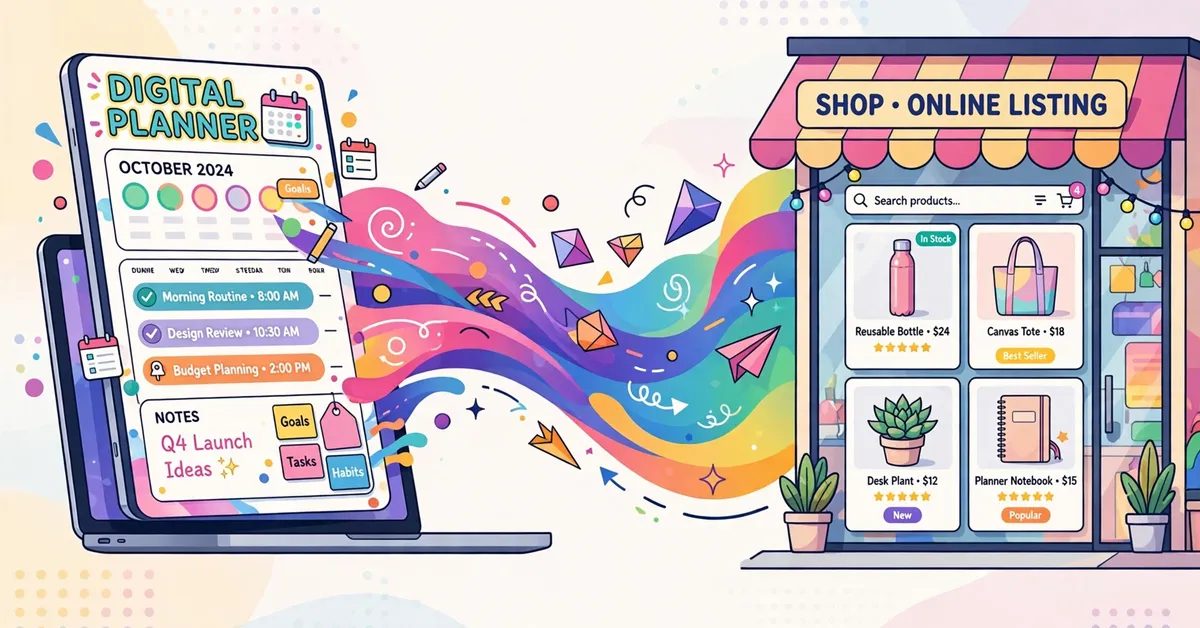
A planner maker can speed this up. For example, PlanPress Studio turns one spec into hyperlinked digital planners plus KDP paperback interiors, with three niche packs included. Its front end is $17, and the full funnel totals $118, so decide your upgrade budget before checkout.
List on Etsy and KDP
Etsy suits digital planners, since buyers there expect instant downloads. KDP suits paperback interiors, since Amazon handles printing and shipping. In addition, some sellers list the same planner in both places, in digital and print form.
Your listing needs a clear title, honest preview images, and a plain description of what buyers get. Moreover, show the planner in use, not just its cover. As a result, buyers trust the listing more, and refunds drop.

Price It Honestly
Price for the value, not the page count. A focused planner that solves one problem beats a thick planner that solves none. Most new sellers start low, learn what buyers ask for, and then raise prices slowly. On the other hand, underpricing hurts, since buyers may doubt the quality.
Pros and Cons of Selling Planners
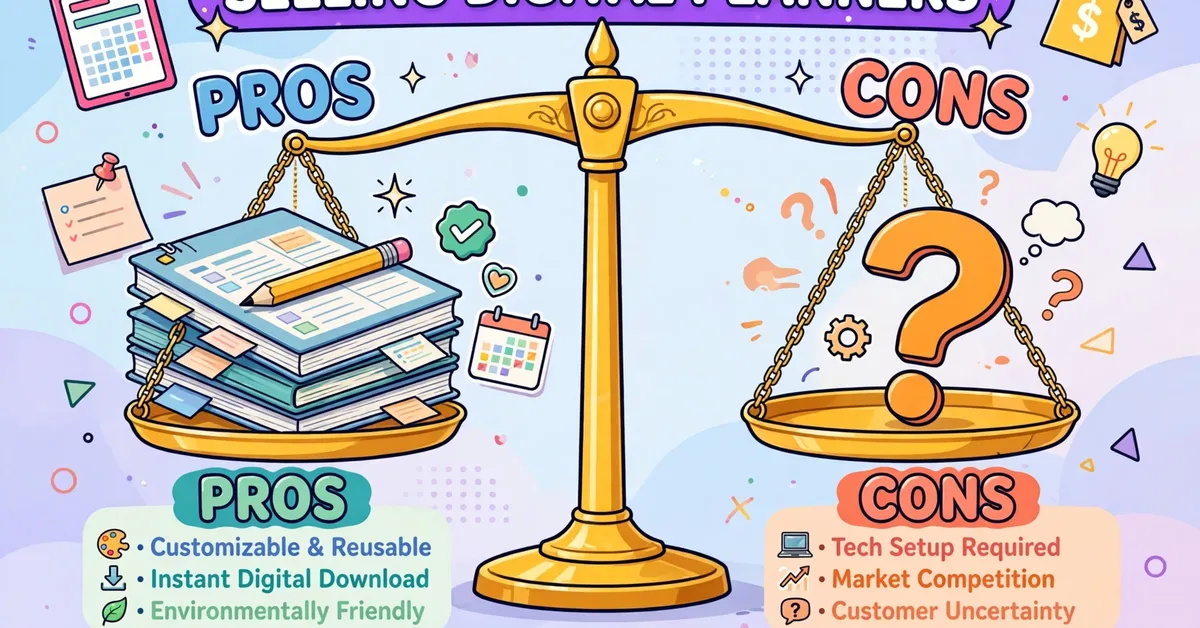
The Pros
- One spec makes digital planners and KDP paperback interiors.
- Browser-based tool with a live canvas editor, no install needed.
- Three niche packs included in the front end.
- Seller licence covers planners made with the tool.
- 30-day money-back guarantee, with a clear $17 front-end price.
The Cons
- No creator name shown on the sales page.
- Full funnel totals $118 with all three upgrades.
- Seller results are unproven — no buyer track record stated.
- KDP and Etsy success still depends on your listings and niches.
- Extra niche packs beyond the three included cost $27 more.
Frequently Asked Questions
Do I need a tool to make planners?
No, but a maker saves time. You can design by hand, or use a tool like PlanPress Studio for faster output.
Where should I sell first?
Start with Etsy for digital planners, since buyers there expect instant downloads. Add KDP later for print versions.
How much should I charge?
Start modest, learn from buyer questions, and raise prices as your planners improve. Value beats page count.
My Bonus for Readers
When you pick up PlanPress Studio through my link, I am adding one original bonus I created to complement this guide:
Bonus: Digital Planner Niche Picker — a one-page worksheet for scoring planner niches before you build.
⬇️ Download Bonus: Digital Planner Niche Picker (PDF)
Click the download button above to get the bonus instantly — no forms, no waiting.
Final Thoughts
Selling digital planners rewards focus: one niche, one buyer, one good planner, listed honestly. Tools speed the work, but listings and niches decide the sales. For my full tool verdict, read the PlanPress Studio review.
✍️ My Personal Verdict
From my research, planner selling is a fair side path if you enjoy design and listing work. Start with one niche, ship one good planner, and learn from real buyers before you expand. Tools like PlanPress Studio help, but the niche choice matters more than any tool. Bought with that clarity, your first planner can teach you the whole business.
Affiliate Disclosure
This guide contains affiliate links. If you buy through them, I may earn a commission at no extra cost to you. This helps support Pickzox and keeps our guides free. My views stay honest, and I only feature products I have researched with care.